Watch: E.T. bicycle scene
YouTube - 2:36 - Opens in overlay
Spielberg's use of low-angle shots throughout E.T. places the viewer at Elliott's eye level, reinforcing the child's perspective and making the adult world feel imposing and threatening. This technique is particularly evident in the opening sequences.
The video sits directly in the flow of the revision note, like an image. This is the most intuitive approach - students see a video, they play it, they keep reading.
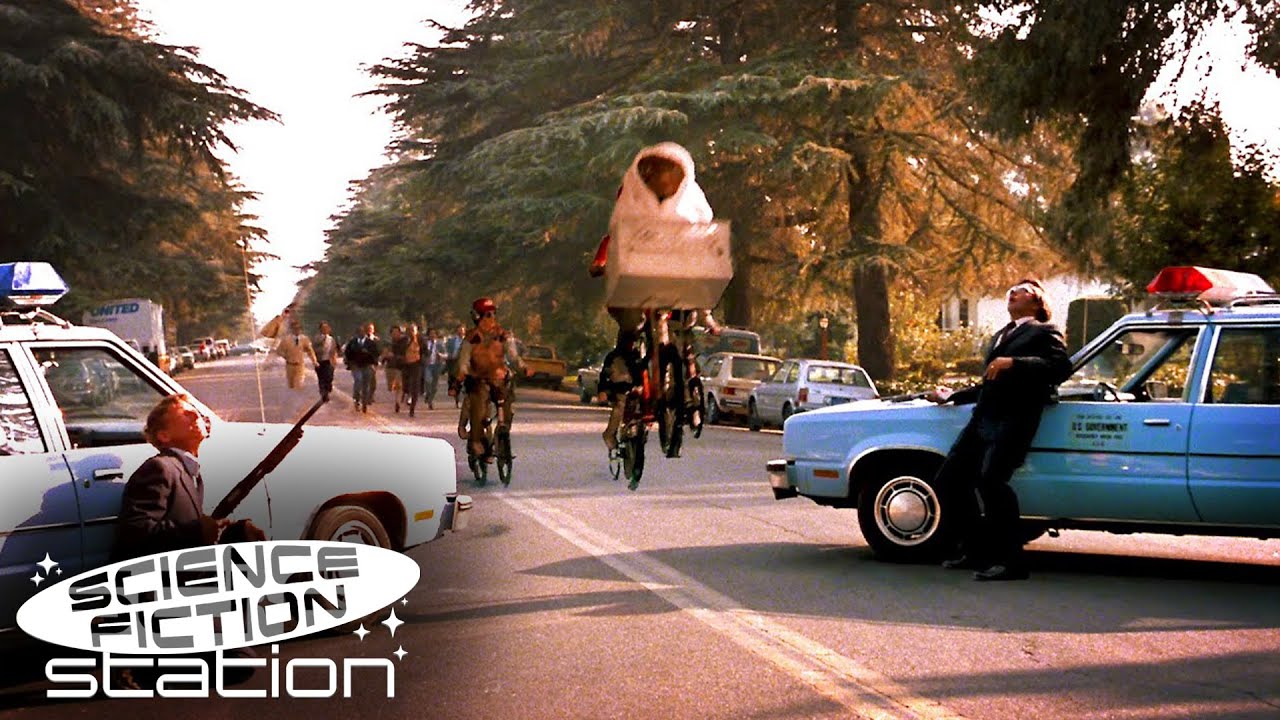
Watch how Spielberg positions the camera below the bicycle handlebars, creating a sense of wonder and freedom as Elliott and E.T. fly across the moon:
Recommendation: Lazy load. It sidesteps the cookie consent question for students who never click play, and Film Studies pages will have multiple videos so page performance matters. The UX is identical.
A compact trigger button sits in the note. Clicking it opens the video in a fullscreen overlay. When the student closes the modal, they're exactly where they left off.
Watch how Spielberg positions the camera below the bicycle handlebars, creating a sense of wonder and freedom as Elliott and E.T. fly across the moon:
Best for: When you want a clean reading flow and the video is supplementary, not essential. The note reads well even if you never click play.
Watch out for: Modals on mobile can be fiddly (small close button, orientation changes). Would need testing.
A collapsible section. Student expands to watch, collapses to continue. Keeps the page scannable when there are multiple clips.
Watch how Spielberg positions the camera below the bicycle handlebars, creating a sense of wonder and freedom as Elliott and E.T. fly across the moon:
Best for: Pages with 3+ clips (e.g. one per key scene). Without this, the page becomes a wall of video players.
Watch out for: Two clicks to play (expand, then play). Content below shifts when expanded, which can be disorienting.
| 1. Inline player | 2. Button + modal | 3. Accordion | |
|---|---|---|---|
| Clicks to play | 1 | 1 (opens + autoplays) | 2 (expand + play) |
| Student stays on page | Yes | Yes | Yes |
| Cookies before interaction | No (if lazy load) | No | No |
| Page scannable with 4+ clips | No - wall of thumbnails | Yes - compact buttons | Yes - collapsed rows |
| Video feels central to content | Yes - prominent | Somewhat - needs a click | No - tucked away |
| Mobile experience | Good | Needs testing | Good |
| Dev complexity | Low | Medium | Low-medium |
youtube-nocookie.com embed domain significantly reduces ad exposure. In testing:
youtube-nocookie.com, no ad appearedWhy: The nocookie domain limits YouTube's ability to serve targeted ads. Without tracking cookies, YouTube has less incentive (and less data) to serve ads to that viewer. Students who are already logged into YouTube elsewhere or have accepted YouTube cookies in their browser may still see ads, but for many students the embed experience will be cleaner than YouTube directly.
Caveat: This is YouTube's current behaviour, not a guarantee. YouTube controls ad serving and can change it. We can't promise an ad-free experience, but in practice the embedded experience is substantially better than linking students out to YouTube.